
SwipeAway Clean your gallery one swipe at a time.
The fast, decisive gallery cleanup tool for Android. Quickly review photos and videos, swipe right to keep memories, and swipe left to send clutter to temporary trash.
See SwipeAway in Action
Watch real-time gallery review with intuitive card swiping, trash staging, and session reports.
Actual App Interface
Captured directly from running SwipeAway builds. Click any screenshot for an enlarged view.
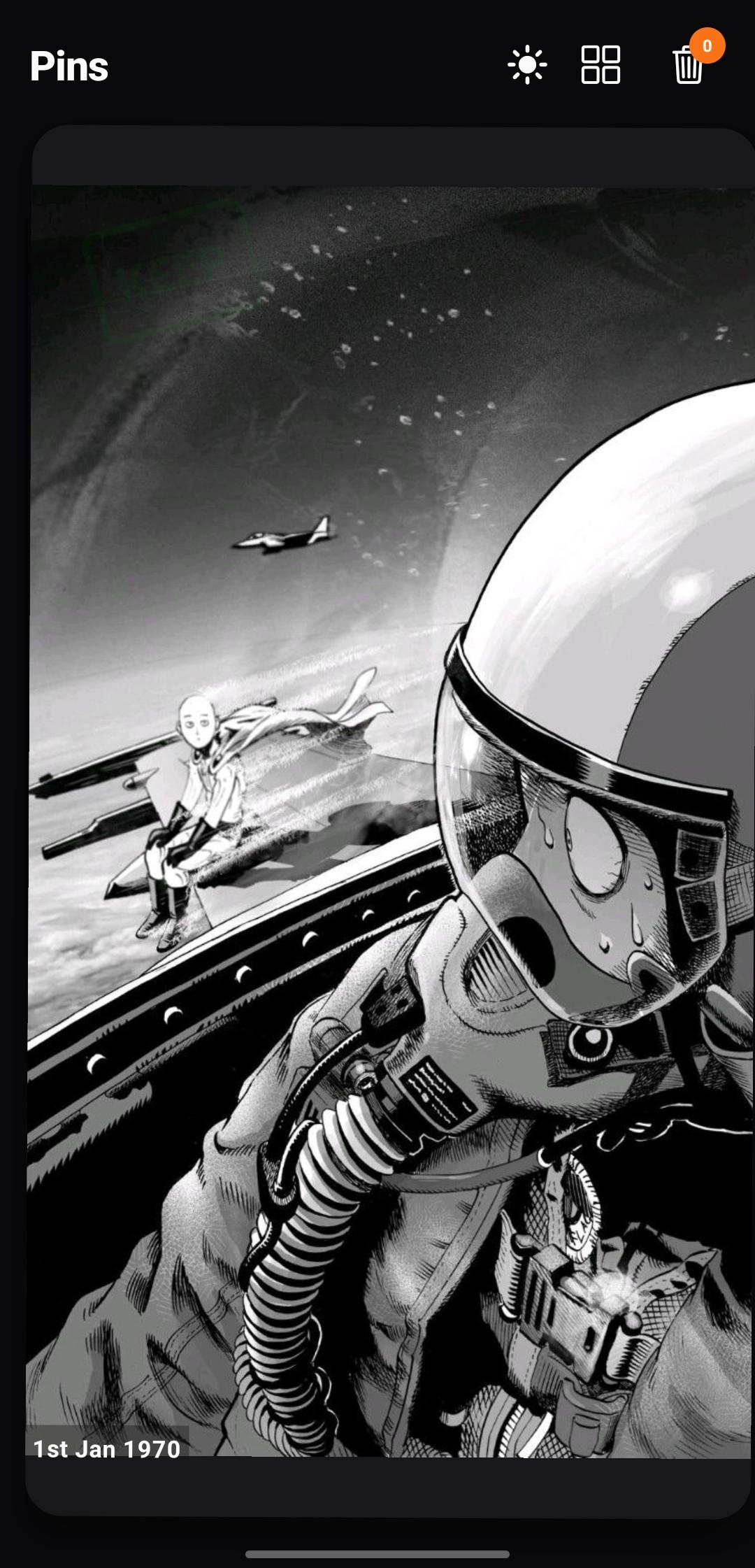
Photo & Video Review
Clean card UI with theme toggle & trash badge.
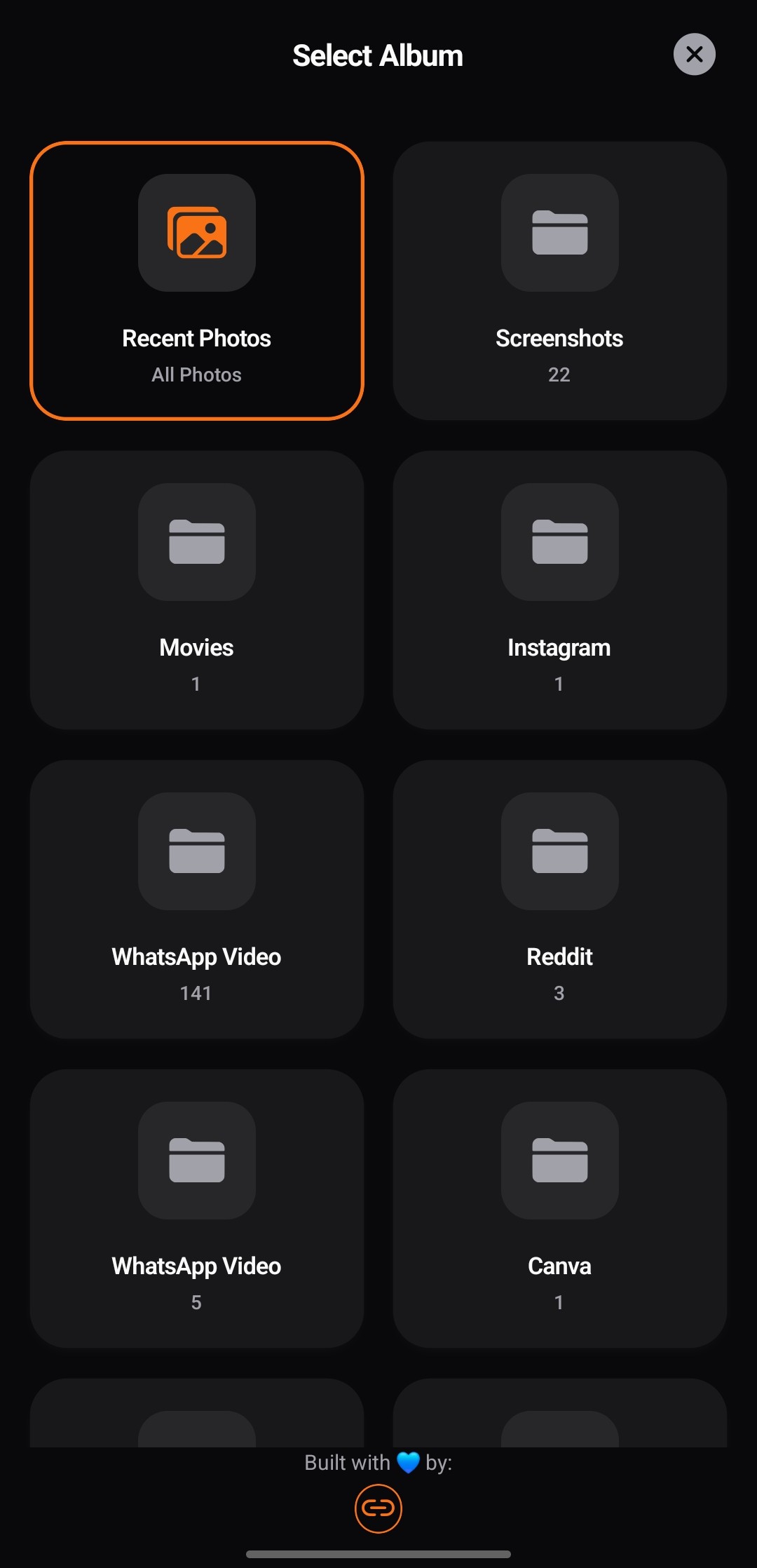
Targeted Albums
Filter gallery items by album or Recents.
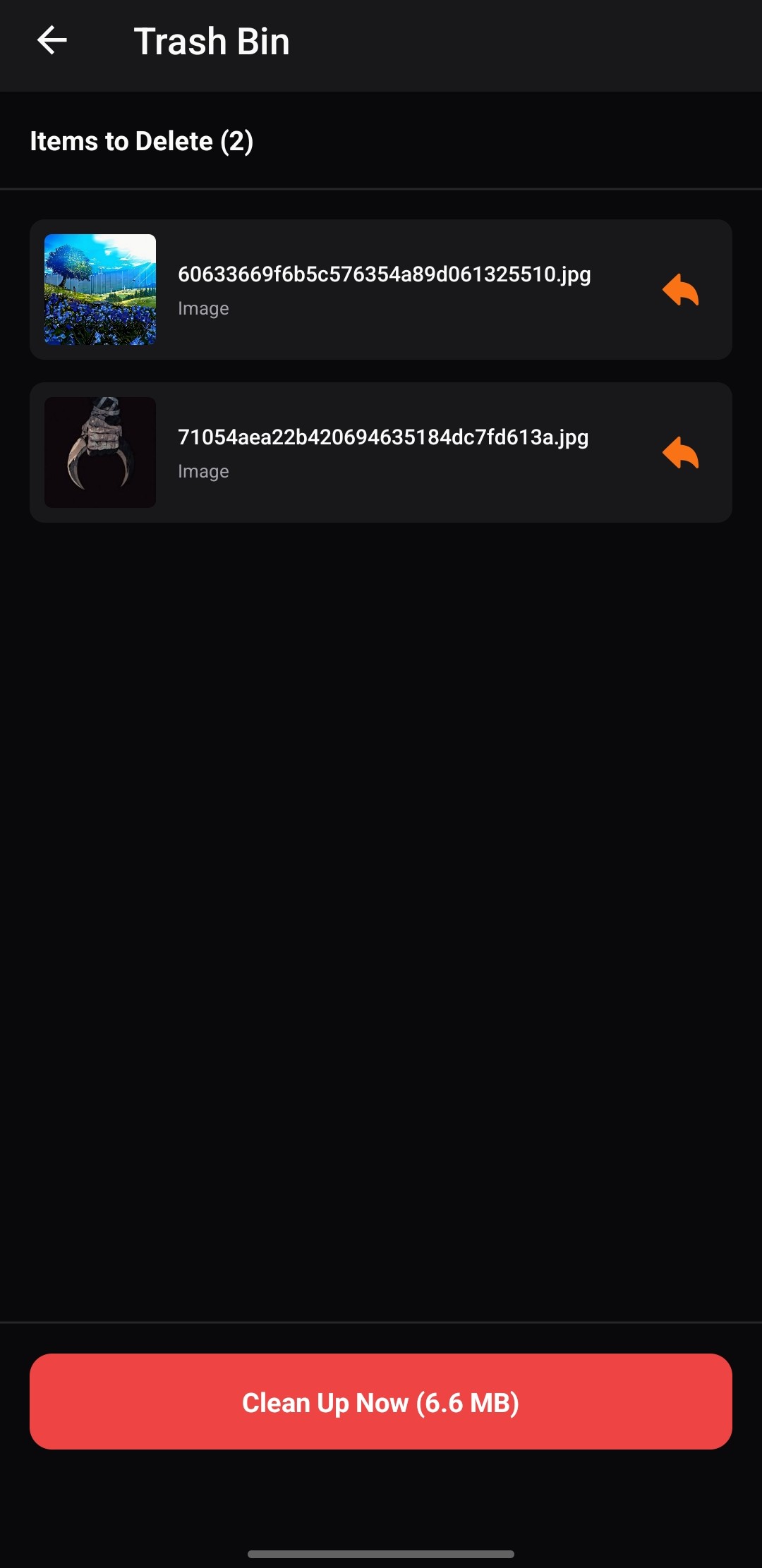
Temporary Trash Bin
Review staged items before permanent deletion.
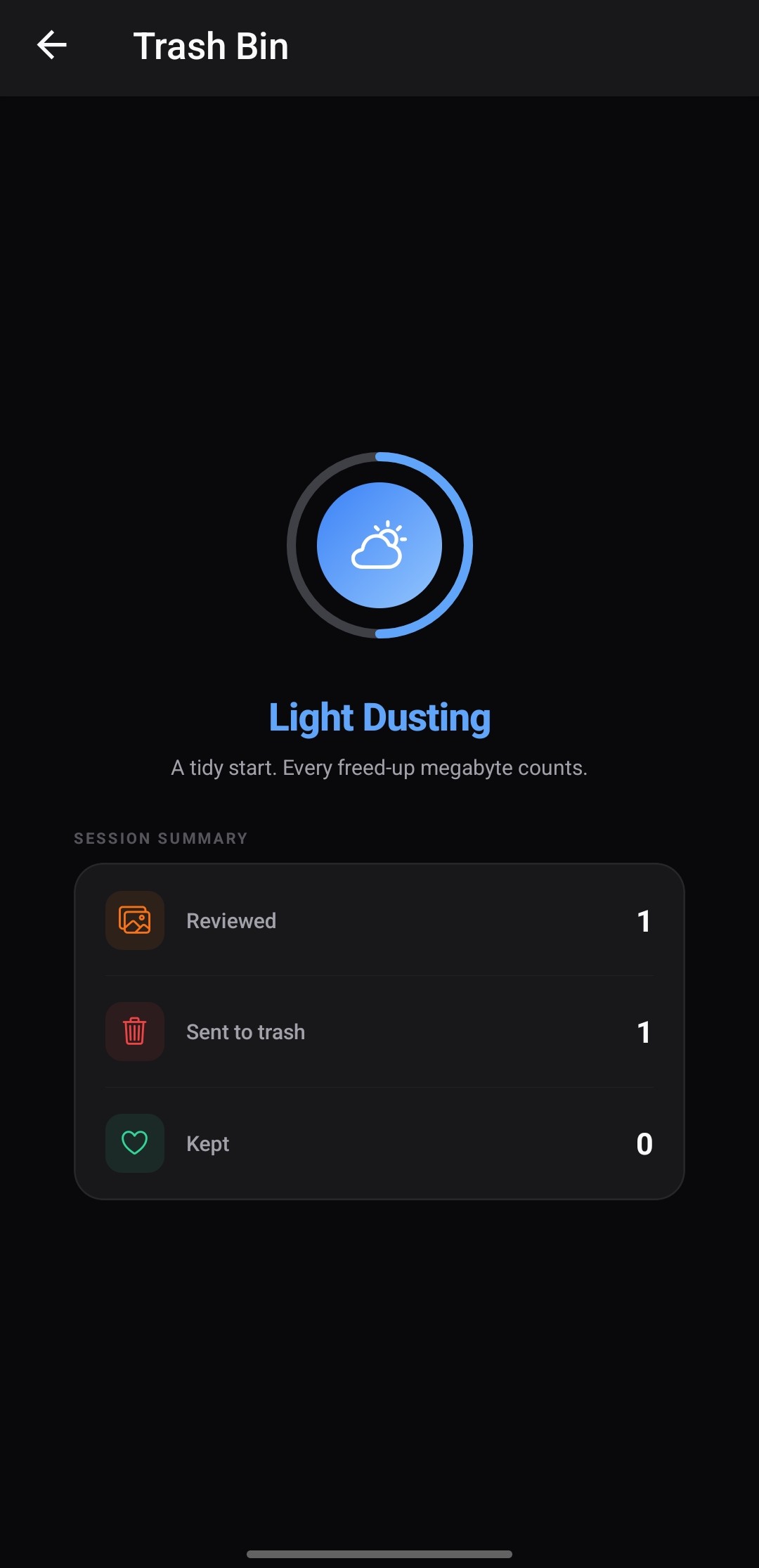
Session Stats
Clear summary of reviewed and trashed media.
How SwipeAway Works
Clean your camera roll with simple gestures and safe staging before deletion.
Swipe Right: Keep
Swipe right on any photo or video you want to preserve. It stays untouched in your local gallery roll.
Swipe Left: Trash
Swipe left to send unwanted media into temporary trash. Items are staged safely until you choose to clean up.
Clean Up Trash
Open the temporary trash view to inspect staged items, check calculated storage savings, and confirm permanent deletion to free up space on your device.
Verified On-Device Privacy
Your personal media is private. SwipeAway is engineered as a local gallery utility.
100% Local Processing
Gallery content and metadata are processed exclusively on your device hardware.
Zero Server Uploads
Photos and videos are never uploaded to any remote server or cloud service by the app.
Standard Media Permissions
Media access is requested via official Android system permissions (READ_MEDIA_IMAGES, READ_MEDIA_VIDEO).
User-Confirmed Deletion
Items in temporary trash remain recoverable until you confirm permanent deletion. Permanent deletion affects local files on device.
Supported Android Versions
Clean Your Gallery Today
Download the latest APK release directly from GitHub and start freeing up your device storage.